

Description
Download SiteLauncher – Free Firefox Keyboard Shortcut Tool for Faster Web Access
Overview
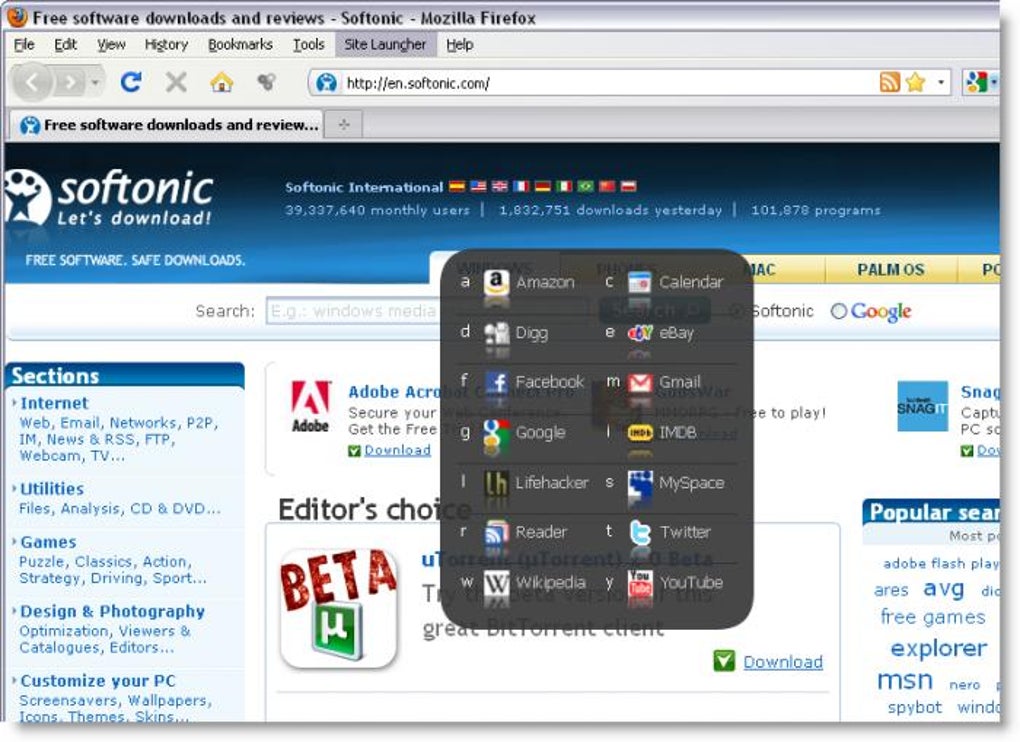
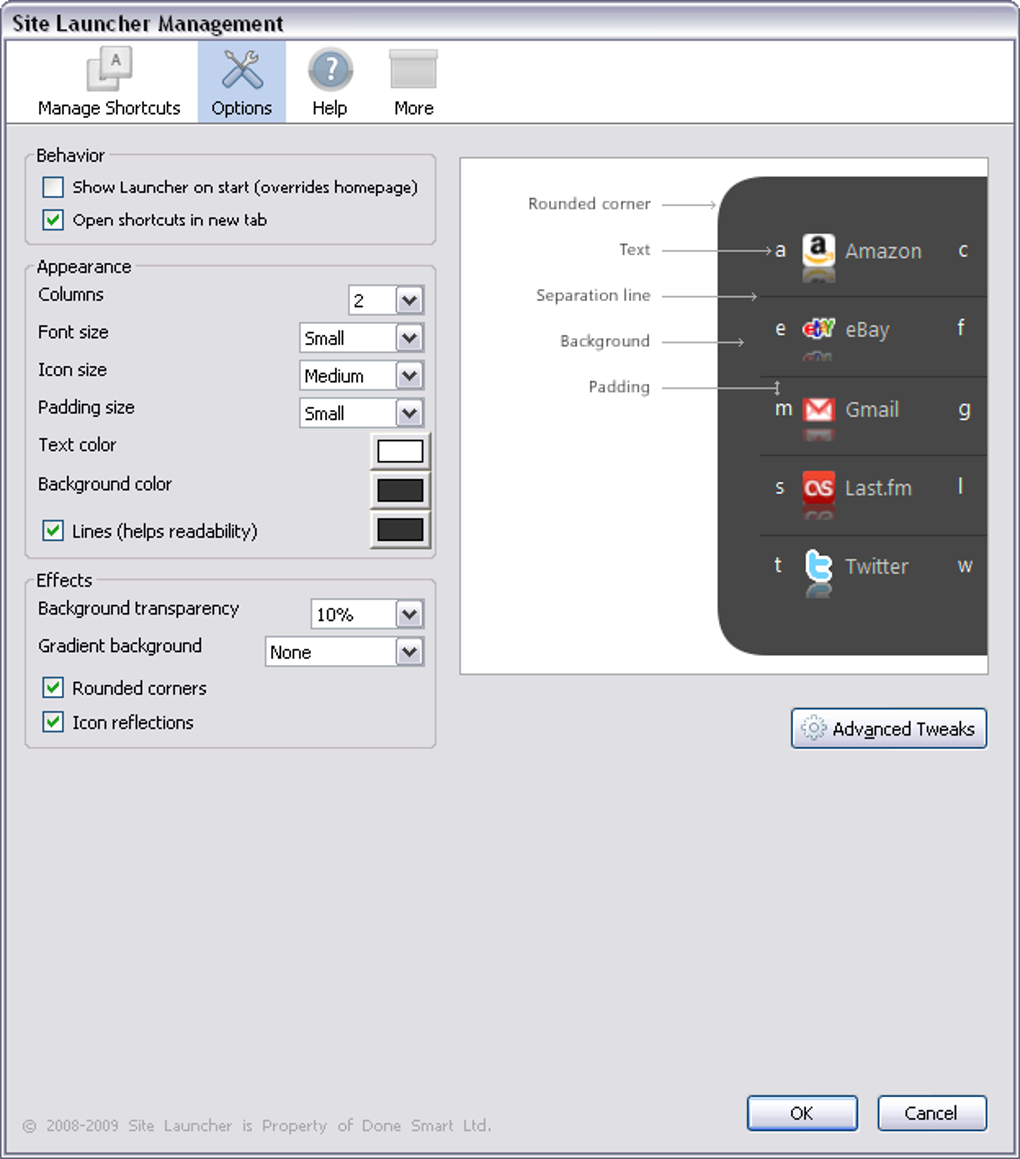
SiteLauncher is a lightweight, free Firefox add‑on designed for users who live by keyboard shortcuts. Instead of scrolling through a crowded bookmarks bar, SiteLauncher lets you summon a semi‑transparent overlay with a single keystroke and instantly jump to any of your favorite websites by pressing a single letter. The add‑on ships with a handful of popular sites pre‑configured, but the real power lies in its customizability: you can assign any letter to any URL, adjust the overlay’s opacity, and even define a separate shortcut that opens a site directly without displaying the menu. While the single‑letter limitation means you can only map up to 26 sites, the trade‑off is a clean, distraction‑free experience that keeps your hands on the keyboard and your workflow uninterrupted. SiteLauncher’s intuitive design, secure handling of URLs, and seamless integration with Firefox make it an ideal companion for developers, researchers, and anyone who wants to shave seconds off their daily browsing routine.
Features & Benefits
- Custom Keyboard Shortcuts: Assign any letter (A‑Z) to a URL, and launch the site instantly or via the overlay menu.
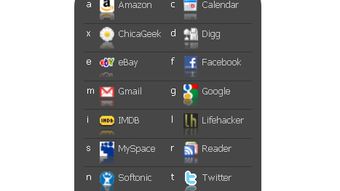
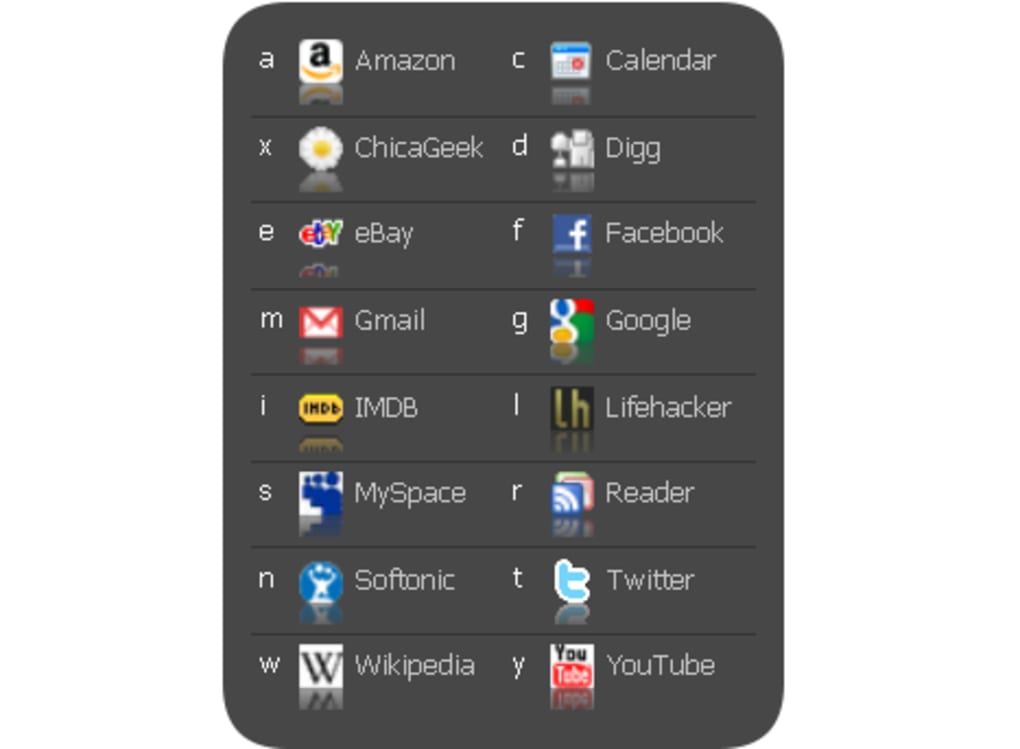
- Overlay Menu: A semi‑transparent, draggable window appears when you press the trigger key combination, displaying all configured shortcuts at a glance.
- Pre‑loaded Favorites: The add‑on ships with several popular sites (e.g., Gmail, YouTube, Reddit) to get you started immediately.
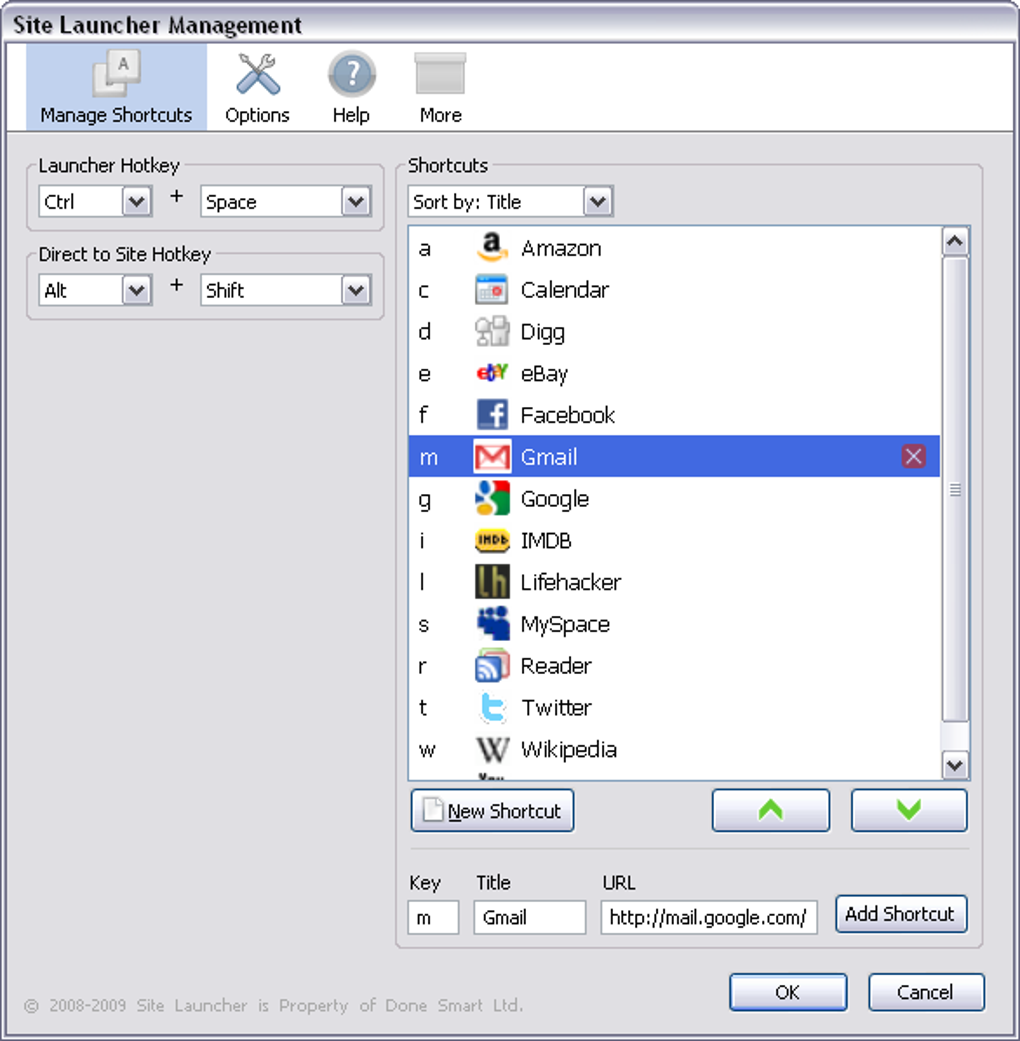
- Full Customization: Change the trigger combination, overlay opacity, font size, and position to suit your workflow.
- Lightweight & Secure: SiteLauncher adds only a few kilobytes to Firefox, stores URLs locally, and never transmits data to third parties.
- One‑Letter Limit: While you can only use a single letter per shortcut, the limit keeps the interface uncluttered and speeds up memorization.
- Free Updates: Regular updates bring new UI tweaks, bug fixes, and compatibility improvements at no cost.
Pros
- Fast access to frequently visited sites without leaving the keyboard.
- Minimalist UI that never interferes with the main browsing area.
- Easy to configure – no coding required.
- Works offline; URLs are stored locally.
- Fully compatible with the latest Firefox releases.
Cons
- Limited to 26 shortcuts due to single‑letter mapping.
- Only available for Firefox; not currently supported in Chrome or Edge.
- Requires users to memorize letters for each site, which may have a learning curve.
Installation, Usage & Compatibility
Step‑by‑step installation: Open Firefox and navigate to the official SiteLauncher add‑on page. Click the “Add to Firefox” button, confirm the permissions prompt, and the extension will be installed instantly. After the browser restarts (or you click “Refresh”), you’ll see the SiteLauncher icon in the toolbar.
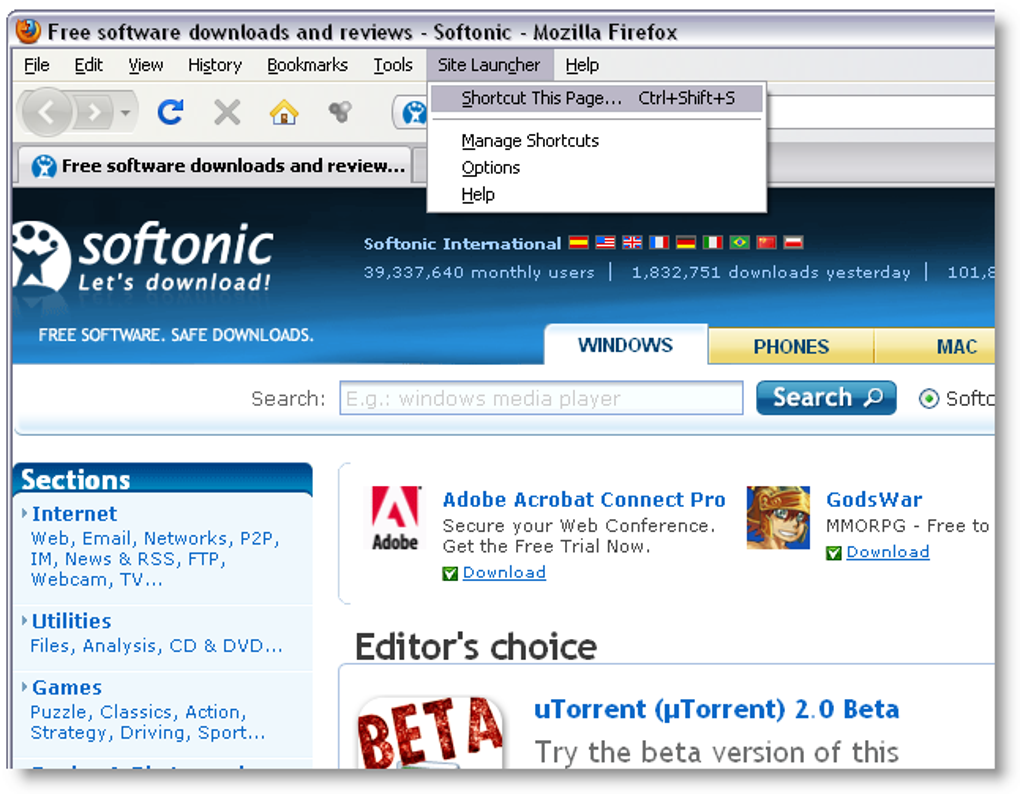
Configuring shortcuts: Click the toolbar icon or press the default trigger combination Ctrl + Shift + L to open the overlay. Right‑click any entry to edit its URL or change its assigned letter. To add a new shortcut, click the “+” button, type the desired URL, and press the letter you wish to associate. All changes are saved automatically and persist across sessions.
Using the overlay: Once the overlay is visible, simply press the corresponding letter to jump to the site. If you prefer a direct launch without the menu, assign a “quick‑launch” key combination in the settings (e.g., Alt + G for Gmail). The overlay can be hidden at any time by pressing Esc or the trigger combination again.
Compatibility: SiteLauncher is built exclusively for the desktop version of Firefox on Windows, macOS, and Linux. It requires Firefox 78 or later, which includes the WebExtensions API that powers the add‑on. Mobile Firefox does not support this extension, but the same workflow can be replicated with bookmark folders on mobile devices.
Updating the add‑on: Firefox automatically checks for updates every few days. When a new version is available, you’ll see a notification in the Add‑Ons Manager. Updating is a one‑click process and does not affect your existing shortcut configuration.
Frequently Asked Questions
Can I assign numbers or symbols instead of letters?
SiteLauncher currently supports only single alphabetic characters (A‑Z). This design choice keeps the overlay simple and ensures quick typing without needing shift keys for symbols.
Is SiteLauncher safe to use with sensitive URLs?
Yes. All URLs are stored locally in Firefox’s extension storage and never transmitted to external servers. The add‑on does not have permission to read browsing history, ensuring your data remains private.
How do I reset SiteLauncher to its default settings?
Open the add‑on’s options page, scroll to the bottom, and click “Restore Defaults”. This will remove all custom shortcuts and revert the overlay to the pre‑loaded set of sites.
Can I export or import my shortcut configuration?
Yes. The options page includes “Export” and “Import” buttons that generate a JSON file of your shortcuts. This is handy when moving to a new computer or sharing your setup with teammates.
Why doesn’t SiteLauncher work in Chrome?
SiteLauncher leverages Firefox‑specific APIs for its overlay and shortcut handling. While a similar concept could be built for Chrome, the current version is exclusive to Firefox to ensure optimal performance and security.
Conclusion & Call to Action
For anyone who spends a significant portion of their day hopping between web tools, SiteLauncher offers a sleek, secure, and absolutely free way to cut down on mouse clicks and keep the workflow keyboard‑centric. Its minimal footprint, easy configuration, and transparent overlay make it a must‑have add‑on for power users of Firefox. While the 26‑shortcut limit might feel restrictive for ultra‑heavy bookmark users, the speed gains from a single‑key launch are undeniable. Install SiteLauncher today, customize your shortcuts, and experience a smoother browsing routine without sacrificing privacy or performance.
Download SiteLauncher now and start launching your favorite sites with just a keystroke!
Guides & Tutorials for SiteLauncher
How to install SiteLauncher
- Click the Preview / Download button above.
- Once redirected, accept the terms and click Install.
- Wait for the SiteLauncher download to finish on your device.
How to use SiteLauncher
This software is primarily used for its core features described above. Open the app after installation to explore its capabilities.
User Reviews for SiteLauncher 0
No reviews found





